
Scaffold a production-shaped ASP.NET Core 10 app — with a React 19 or Angular 22 frontend — in seconds, right inside Visual Studio.
NetForge is an opinionated, AI-ready, beautiful-out-of-the-box starter for line-of-business apps — built to be extended by AI or by you. Its vertical-slice architecture and clear conventions let an AI assistant add a whole feature from a single prompt, and keep the result readable enough for you to review at a glance. This extension creates one without leaving the IDE.
Extensions ▸ NetForge ▸ New NetForge Project… is how you start a NetForge project in Visual Studio. It opens a guided dialog — pick an edition, frontend (React or Angular), database, theme, and accent colour, then name it. NetForge scaffolds locally and opens the ready-to-run solution. Press F5 and the ASP.NET Core server builds and runs, starting the client for you.
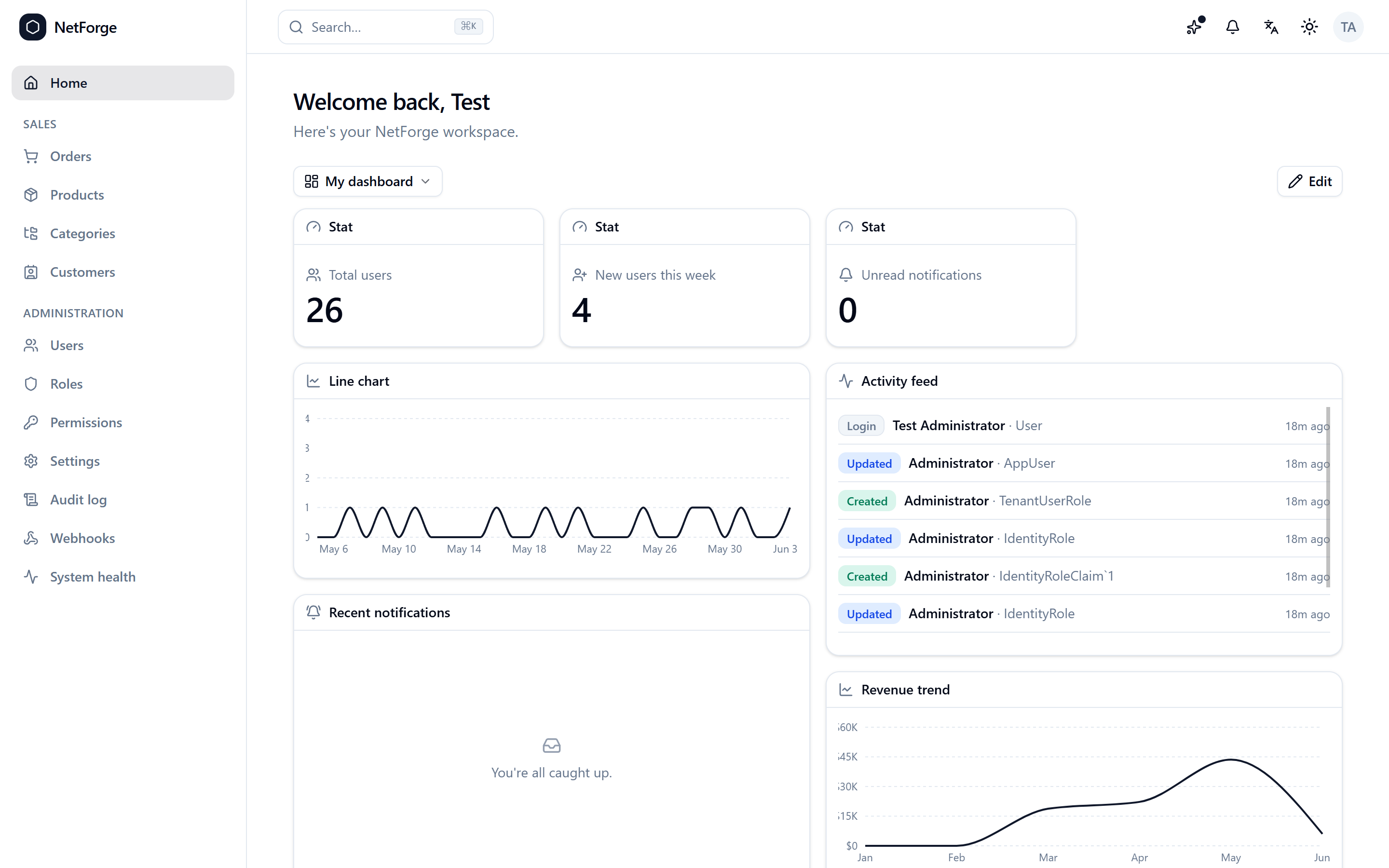
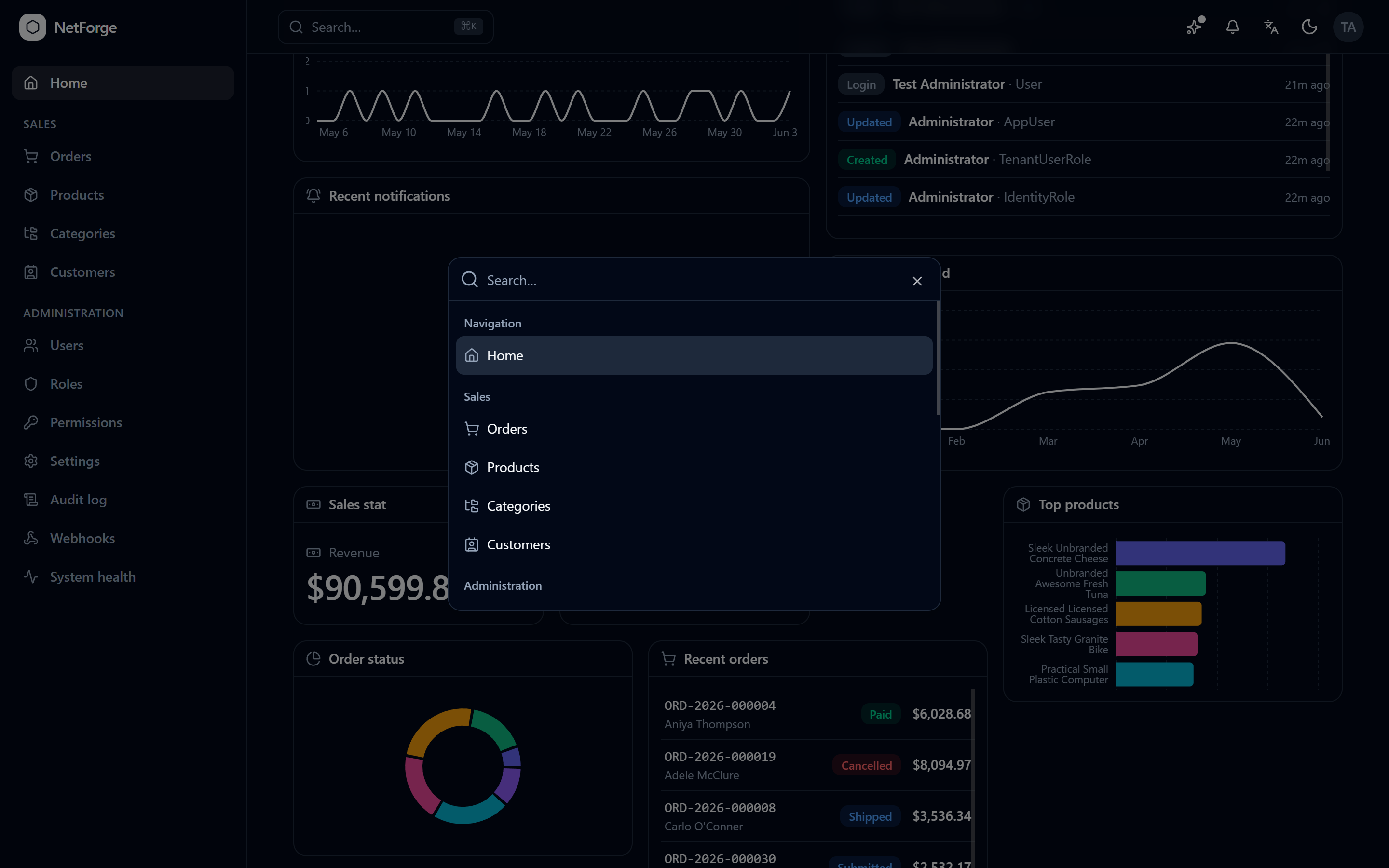
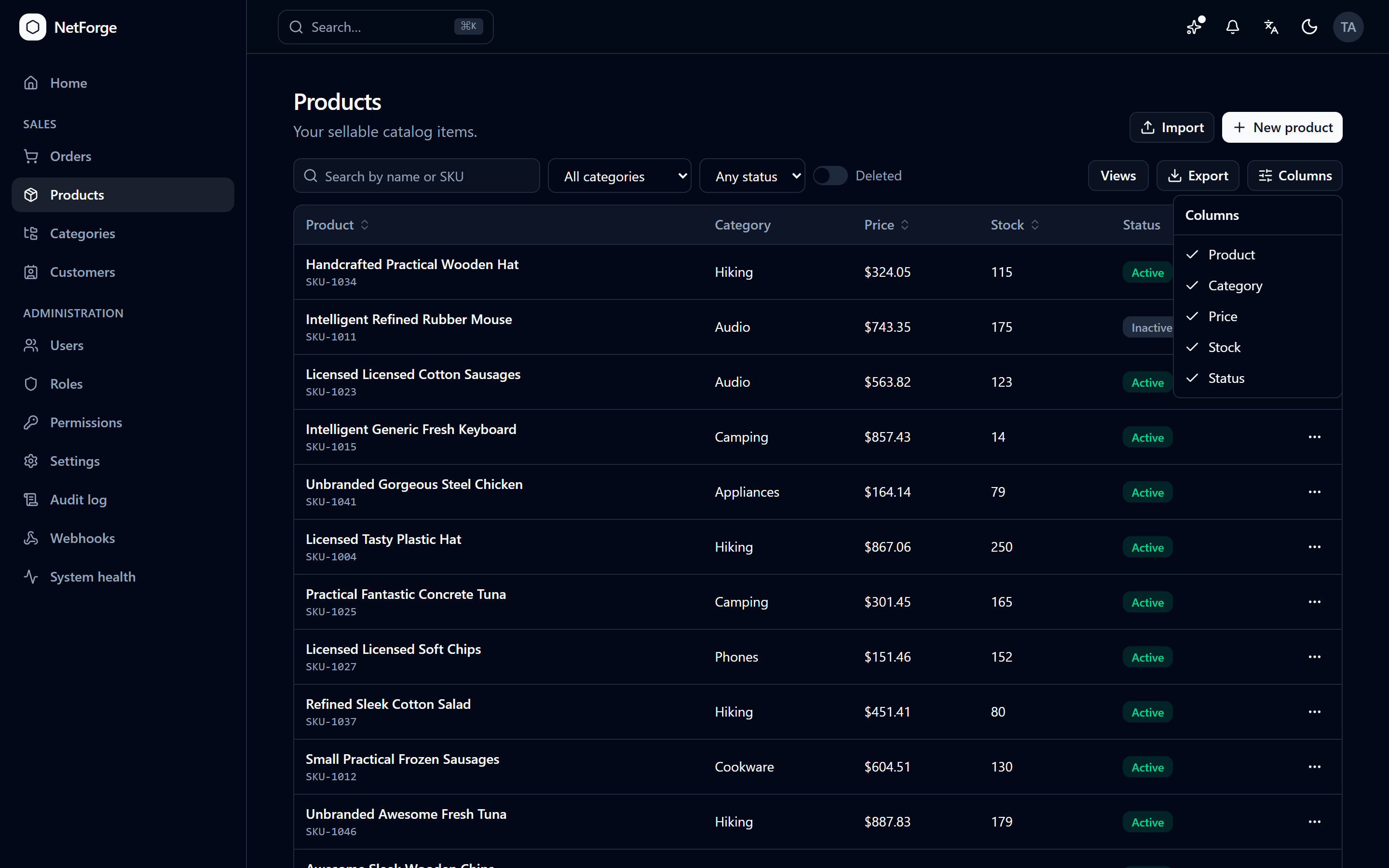
- Extensions ▸ NetForge ▸ New NetForge Project… — the guided creation dialog. Scaffolds locally and opens the solution; F5 runs the whole stack (the ASP.NET Core server starts the client).
- Pick your setup right in the dialog — edition, frontend (React 19 / Angular 22), database (SQLite / PostgreSQL / SQL Server), theme, and brand accent colour.
- Community scaffolds locally with
dotnet new— offline, instant, no sign-in. The extension detects your .NET SDK and installs theNetForge.Templatespackage the first time. - A themed Pro showcase — see exactly what Pro unlocks (screenshots + the full feature grid) inside the IDE, via Extensions ▸ NetForge ▸ What's in Pro?
- Quick links to the configurator, live demo, and docs.
Tip: NetForge also appears in Visual Studio's Create a new project dialog, but Extensions ▸ NetForge is the recommended path — it always includes your chosen client (React or Angular) and opens the solution ready to run.
- Visual Studio 2022 (17.x) or 2026 (18.x).
- The .NET 10 SDK for Community scaffolding & running.
| Community (free, MIT) | Pro | |
|---|---|---|
| Auth, RBAC, admin, theming | ✅ | ✅ |
| Vertical-slice architecture, DataGrid, forms | ✅ | ✅ |
| Multi-tenancy, audit, dashboards | — | ✅ |
| Global search, notifications, webhooks | — | ✅ |
| 2FA/OAuth/sessions, uploads, export/import, jobs | — | ✅ |
| PWA, tour, changelog, Sales demo domain | — | ✅ |
The Community edition is scaffolded locally and is free forever under the MIT license. Pro is generated from the configurator after you sign in and get a Pro plan. Prefer not to build it by hand? Describe your app in plain language and AI builds it for you — with a real senior developer backing every build. Configure it or let AI build it; either way you download a standard ASP.NET Core + React/Angular app you fully own, with no lock-in.
- Extensions ▸ NetForge ▸ New NetForge Project…
- Choose Community, pick your frontend / database / theme / accent colour, name your app, and choose a folder.
- Press F5 — the ASP.NET Core server builds and runs, starting the client for you. Sign in with the seeded dev admin (credentials are in the project README.md).
🌐 Configurator · 🤖 Have AI build it · ▶ Live demo · 📘 Docs · ✨ Get Pro
Requires Visual Studio with the Visual Studio extension development workload (the VSSDK build tooling);
dotnet build alone won't produce a .vsix. From a Developer prompt:
msbuild NetForge.VsExtension.csproj /t:Restore;Build /p:Configuration=Release
The .vsix lands in bin\Release\net48\.
The extension is MIT-licensed. The Community template it scaffolds is MIT; the Pro edition is commercially licensed.